Download
Dynex Wallet Downloads
Use the Windows GUI wallet ZIP for the desktop app, the Web Wallet beta for browser access, or the core Windows package for node, CLI wallet, and wallet service workflows.
GUI Wallet ZIP
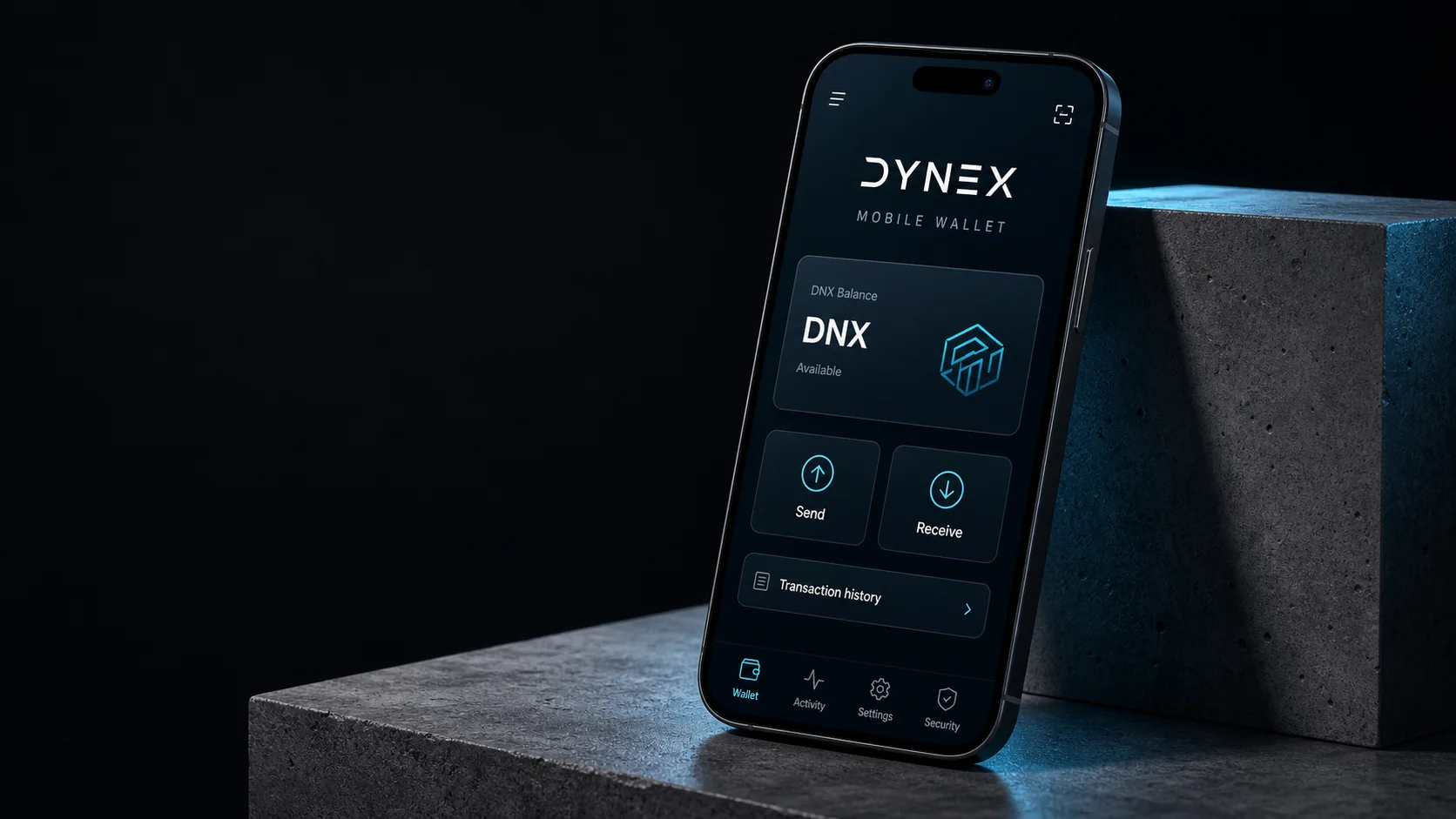
Desktop wallet package for creating wallets, sending DNX, receiving DNX, and managing transactions.
- File
- Dynex-main-8e9f077-windows-WalletGUI.zip
- Release
- dynex_8e9f077
Web Wallet beta
Fast browser-based wallet flow for DNX send and receive actions without installing a desktop package.
- Type
- Web wallet
- Source
- Official Dynex wallet domain
Windows Core / CLI ZIP
Windows package for node, simplewallet, walletd, and command-line users.
- File
- Dynex-main-8e9f077-windows.zip
- Release
- dynex_8e9f077
GitHub Releases
Review release notes and macOS, Linux, Windows, and older release assets.
- Latest
- Dynex v.2.2.2-20240401-(#non-privacy).8e9f077
- Date
- 2024-04-01
Which Dynex Wallet Should You Use?
- Web Wallet beta: quickest browser path for sending and receiving DNX without installing desktop software.
- Windows GUI Wallet: desktop app package from the official Dynex GitHub release, suited for users who want a local wallet interface.
- Windows Core / CLI ZIP: package for node, simplewallet, walletd, and command-line workflows.
- Hardware wallet references: the official Dynex wallet page references OneKey support and video guides for wrapped 0xDNX storage.
Windows GUI Wallet
The latest official GitHub release checked for this build is dynex_8e9f077, published on 2024-04-01. It includes Dynex-main-8e9f077-windows-WalletGUI.zip for the Windows graphical wallet.
The Dynex repository describes the GUI wallet as the app for creating wallets, sending and receiving DNX, and managing transactions and recipients. The README also states that a separate Dynex node is not required for the GUI wallet because the required wallet functionality is built in.
Web Wallet beta
The Web Wallet beta is the browser-based flow linked from the official Dynex wallet page. It is useful when a user wants a faster send-and-receive path without downloading a desktop package.
For new wallet setups, save the seed phrase offline before relying on the wallet for regular transfers.
Before You Move DNX
- Verify the URL and repository before entering wallet information or downloading binaries.
- Back up wallet files, recovery material, and passwords securely before sending funds.
- Send a small test transaction first when using a new wallet setup, exchange address, or node configuration.
- Do not share private keys, wallet files, recovery phrases, or remote access to your machine.
CLI Wallet, walletd, And Node Users
The Windows core package is the better route for advanced users who need node, simplewallet, walletd, or service integrations. The Dynex README lists simplewallet for command-line wallet use and walletd for RPC-oriented integrations such as exchanges, services, or mining pool infrastructure.
Wallet Option Comparison
| Wallet | Best For | Primary Action |
|---|---|---|
| Web Wallet beta | Quick browser-based send and receive flow | Open the official web wallet link |
| Windows GUI Wallet | Desktop users managing wallets and transactions | Download the Windows WalletGUI ZIP |
| Windows Core / CLI | Advanced node, simplewallet, and walletd users | Download the Windows core ZIP |
| Hardware wallet references | Users who prefer hardware custody workflows | Review the official wallet page references |
Sources And Official Links
Official GitHub release asset