Dynex Wallet And DNX Setup Guide
Start with the official DNX wallet paths: mobile web wallet beta, GUI wallet releases, backup checks, and the verification steps users need before mining, exchanges, or node work.
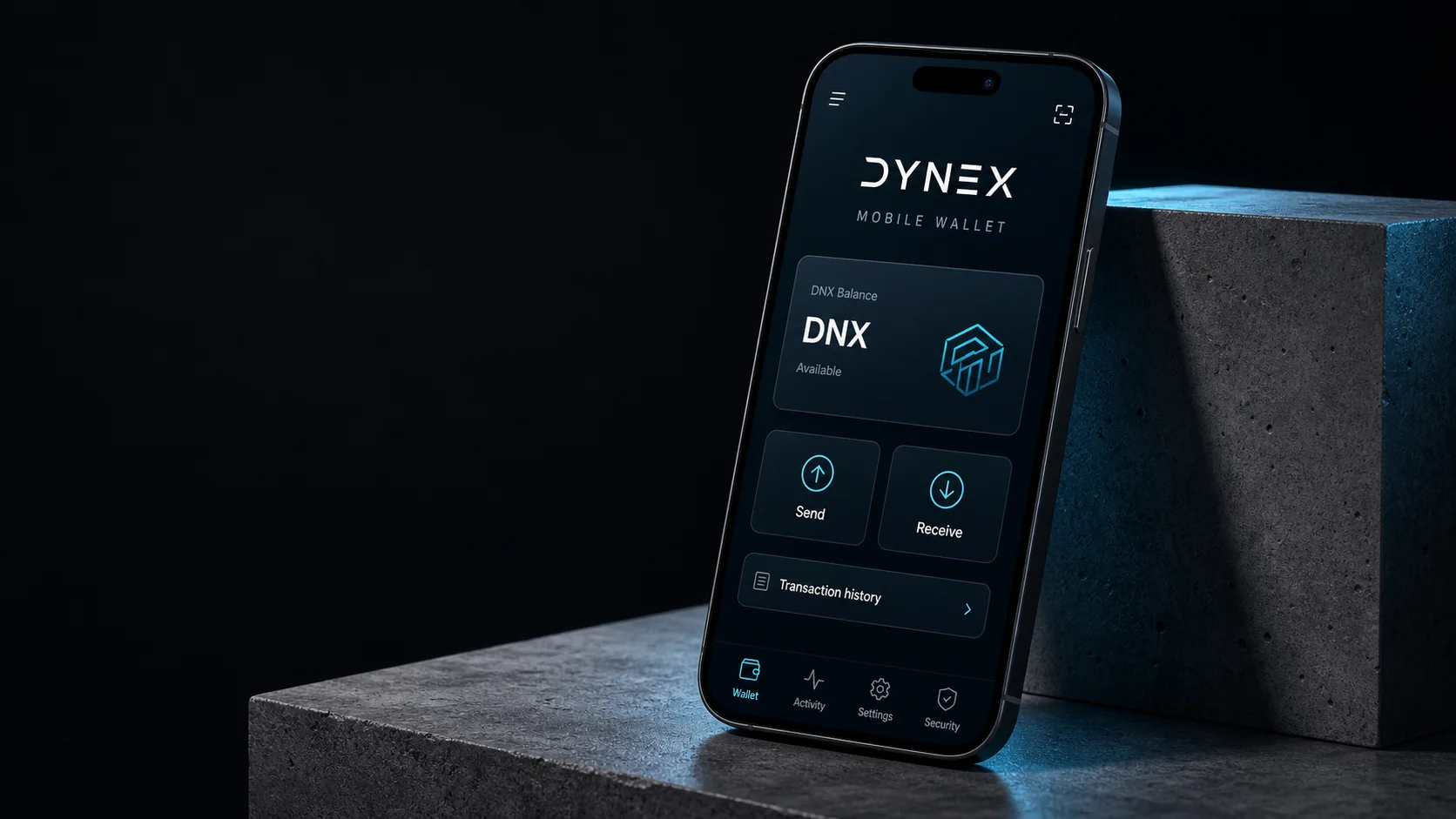
Wallet Entry Point
Choose a wallet and prepare its backup
Wallet setup should be easy to verify. The wallet guide keeps the web wallet, GUI wallet releases, backup steps, test-transfer checks, and safety guidance in one place.
Open wallet downloads ->

Before Transfers
Verify Address And Backup Before Mining Or Exchanges
Confirm the wallet publisher and receiving address, keep recovery material private, and complete a small test transfer before using the address for mining payouts or exchange withdrawals.
Next Routes
Wallet First, Then Mining, Exchanges, Or Developer Work
After checking the wallet and its backup, choose the instructions for mining payouts, exchange transfers or application development. Each task has different software and verification requirements.
Resources